Printable sign-in sheet maker
Your title, date and columns, on Letter or A4. Print it or save a PDF, no email or account needed.
Need a monthly grid with a box per day? Use the attendance sheet maker.
Sign-in sheets for every use
Each one opens in the maker above, so you can rename or add a column before you print.
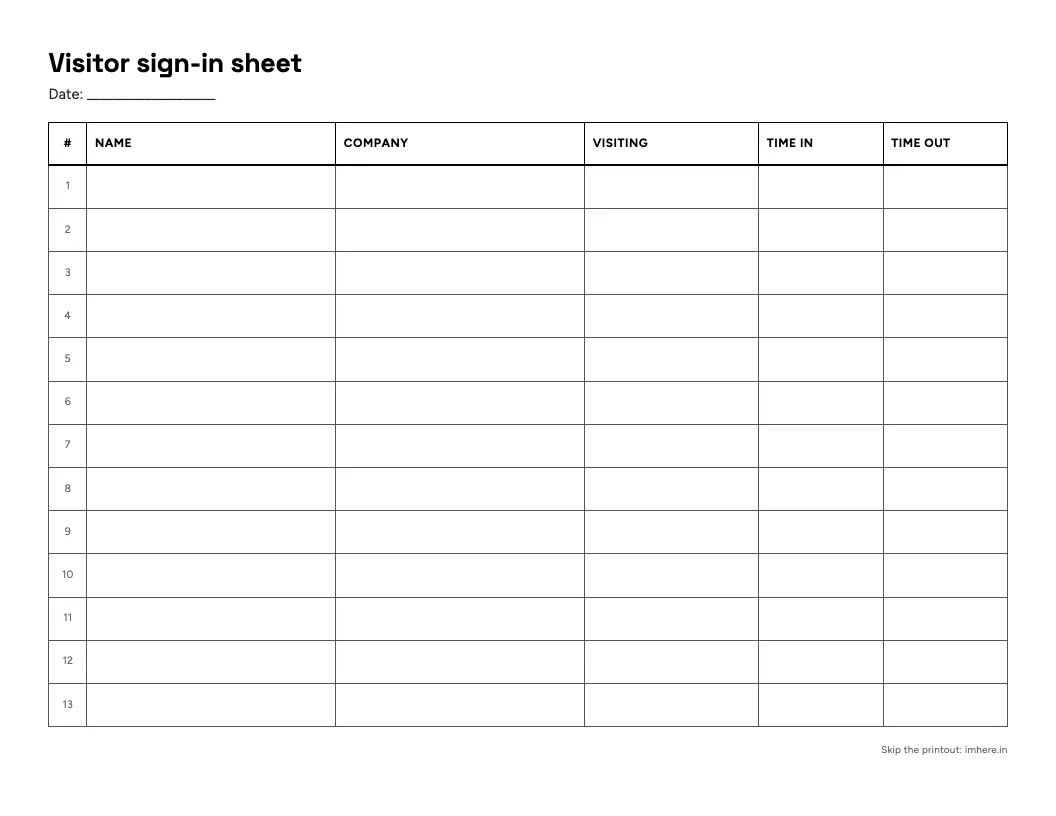
Visitor sign-in sheet
Name, company, who they’re visiting, and time in and out. Made for a front desk.
Make this sheet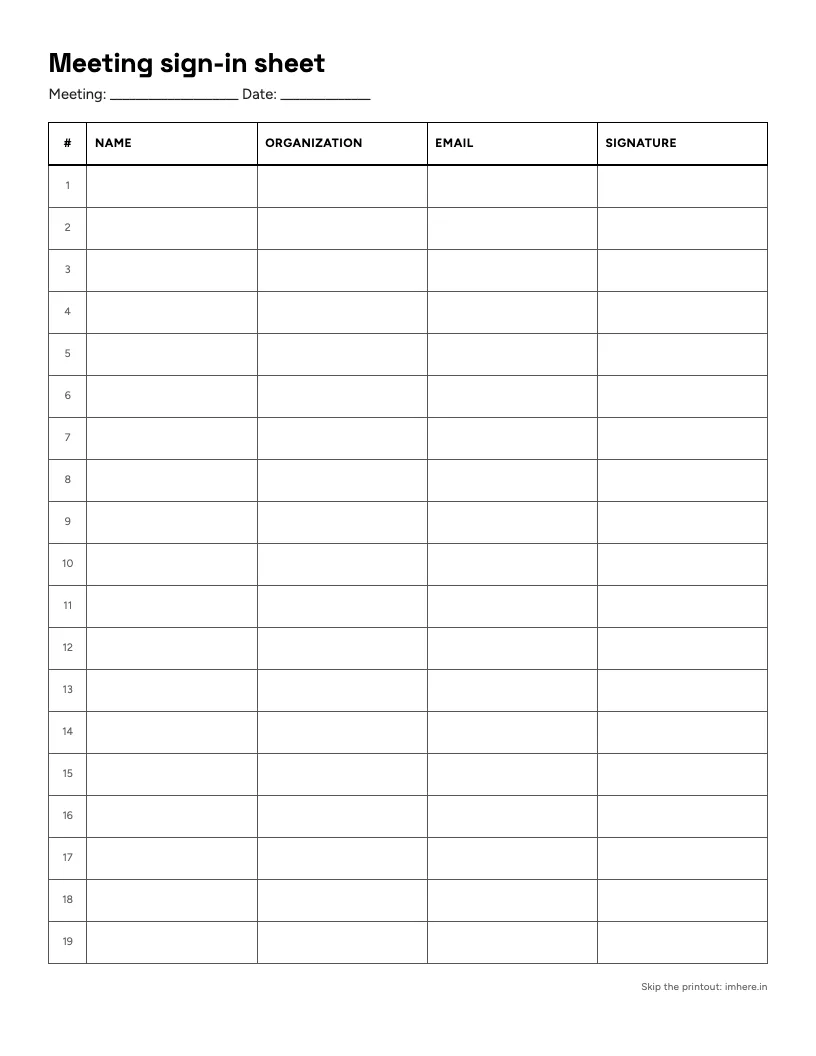
Meeting sign-in sheet
Name, organization, email and a signature: a record of who came, for the minutes.
Make this sheet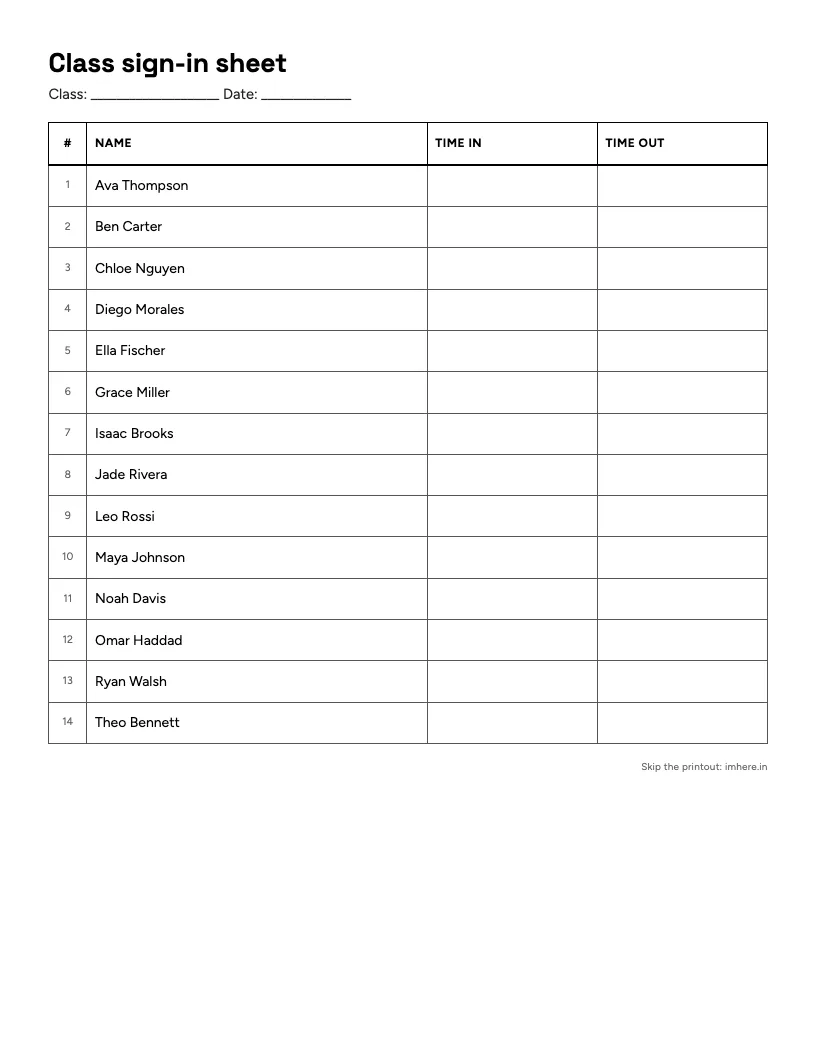
Class sign-in sheet
Name, time in and time out, for late arrivals and tutoring. Paste a roster and every name prints in.
Make this sheet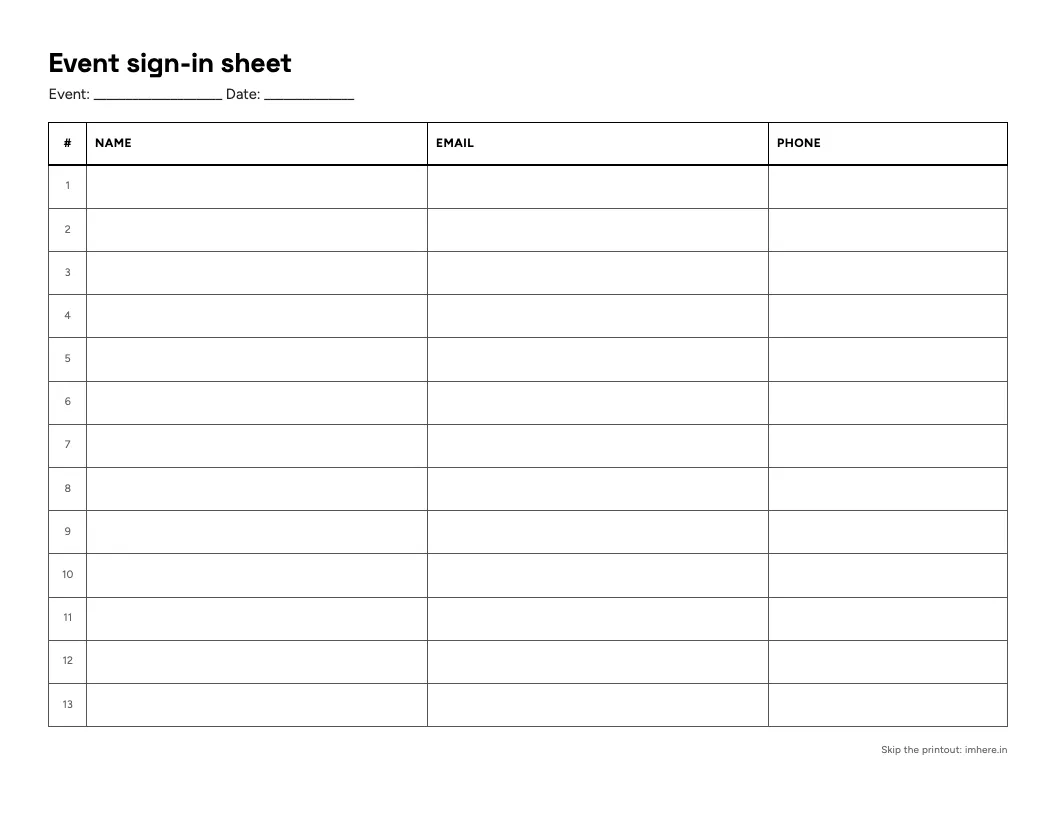
Event sign-in sheet
Name, email and phone, in landscape so emails fit. You leave with a contact list.
Make this sheet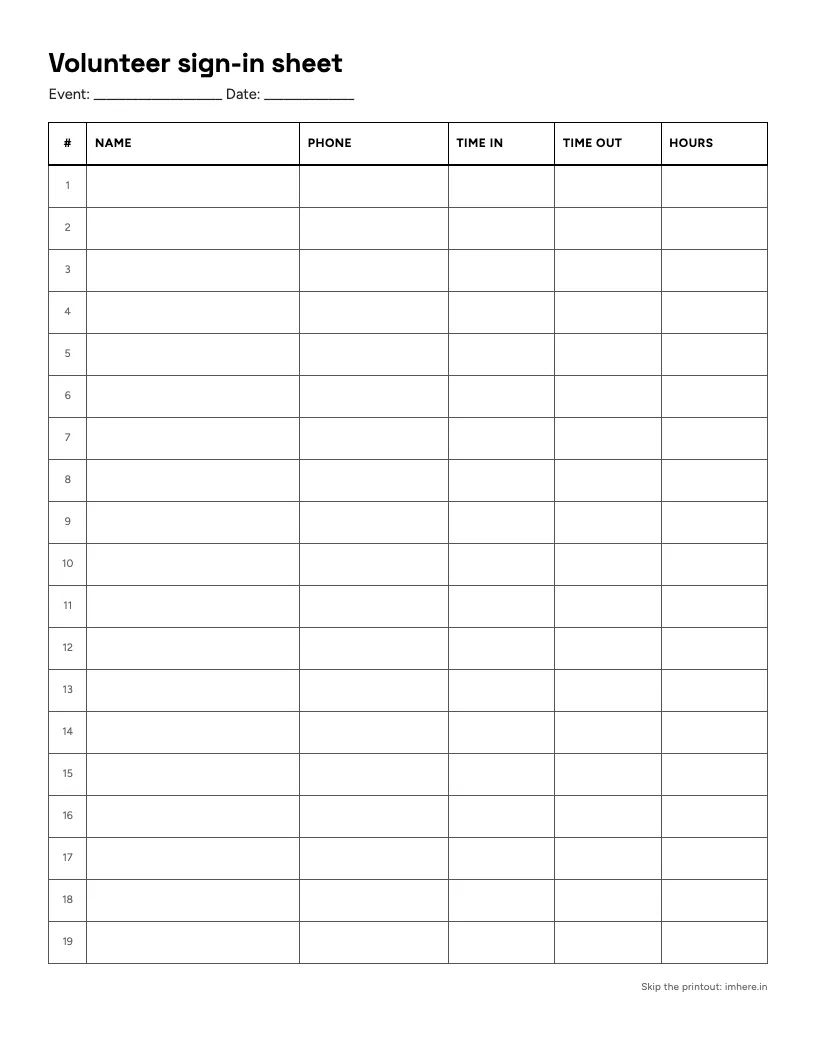
Volunteer sign-in sheet
Time in, time out and hours, so service hours add up without guesswork.
Make this sheet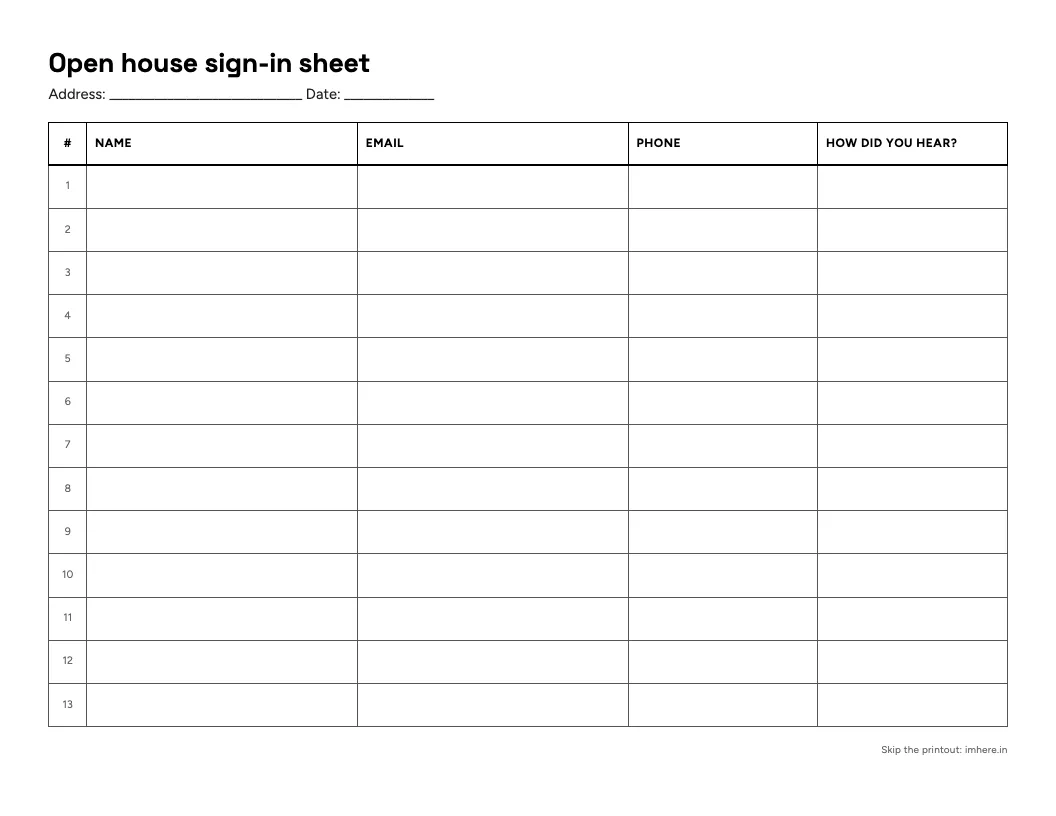
Open house sign-in sheet
Name, email, phone and how they heard about it, with an address line for the house.
Make this sheet
What to include on a sign-in sheet
Every sheet needs a title and the date at the top. After that, add only the columns you’ll use:
- Name. Always, and printed, even next to a signature. Most signatures can only be read by their owner.
- Signature. When you need proof someone was there: trainings, waivers, anything a compliance log asks for.
- Time in and time out. For visitors, volunteers, and anything counted in hours.
- Email or phone. Only if you’ll actually follow up. Every new person can read the lines above theirs.
- Who they’re here for. The person a visitor is seeing, or the session someone came to.
- Organization or company. For meetings and events with people from outside your group.
How to make a sign-in sheet
-
Type a title people will recognize, like “Chess Club” or “Front desk visitors”.
-
Pick a set of columns, then rename, add, or remove headings until they match what you need to collect. For a roster sheet, paste your names one per line and they print in the name column.
-
Choose Letter or A4 and an orientation. Landscape gives wide columns like email more room.
-
Leave “Fill the page” on for one full sheet, or turn it off and type a row count. Longer lists continue onto more pages, each with the title and column headings.
-
Press print, or save it as a PDF to print later or send around.
When a paper sheet is the right choice
-
You need signatures
A handwritten signature next to a printed name is still what a lot of waivers, trainings, and compliance logs ask for.
-
Phones aren't an option
Exams, young kids, a room with no signal, or guests who'd rather not pull out a phone to walk through a door.
-
The group is small
Eight people can pass a clipboard around in a minute.
-
People arrive one at a time
A visitor log on a front desk works all day without anyone running it.
Tips for a sign-in sheet that works
-
Put the date and the event on every sheet. A stack of undated sheets is hard to make sense of a month later.
-
Ask for a printed name even when you collect signatures. Most signatures can't be read by anyone but their owner.
-
Use the Roomy row height when people sign. Compact rows fit more names but leave little room for a signature.
-
Number the rows. You can count heads at a glance, and it's obvious when a page is full.
-
With a big group, print two copies and set up two stations. One sheet and one pen turns into a line fast.
-
If you collect emails or phone numbers, keep the sheet out of view after people sign. Every new person can read the lines above theirs.
-
Type it up the same day, while you can still ask someone what that scribble says.
Or skip the paper
If most of your group has a phone, Im Here! does the same job without the typing afterward. You open a room and show a four-digit PIN and a QR code. Everyone enters their own name at the same time, and the list is already digital when you're done, ready to copy or download. It's free, and nobody needs an account.
It won't collect signatures, so for waivers and anything official, stick with the printed sheet above.
Deciding between the two? Read the paper vs online sign-in sheet comparison.
More guides
Try it in your next class.
Open a room, put the PIN on the board, and watch the names arrive.