Side by side
| Top Hat | Im Here! | |
|---|---|---|
| Built for | Polls, quizzes, readings and grades | Taking attendance |
| Who pays | Your students: $35 a term for full attendance tracking (Basic is free) | Nobody |
| Accounts | Instructor and every student | Optional for you, none for students |
| Setup | Course, join code or LMS link, student accounts | Open a room |
| Check-in | Attendance code in the Top Hat app or site | PIN or QR in any phone browser |
| In-the-room check | Location, plus Bluetooth in the mobile apps | Live QR scan, location, network |
| Failed check | Marked absent | Flagged for you to decide |
| Records | Top Hat gradebook, LMS sync | Copy or download the list |
| Student data | Name and email in an account, kept with the course | A typed name (and any answer you ask for), deleted from the room when it closes |
What Top Hat is
Top Hat is a classroom platform: polls, discussions, interactive readings, quizzes and a gradebook, with attendance as one feature among them. It's free for instructors. You set up a course, and each student creates an account and joins with a six-digit join code or through your LMS. A free Basic tier captures attendance; full attendance tracking, the gradebook and LMS sync are on Pro, which students buy unless your school covers it.
To take attendance, you project a four-digit code and students submit it in the Top Hat app or on its website. Secure Attendance, which is off by default, adds a location check and, in Top Hat's phone apps, a Bluetooth check.
Every student signs up
Basic is free. Pro, with full attendance tracking, is $35 for a term, $58 for a year or $96 for four years, unless your school has a deal.
A failed check means absent
Students who enter the right code but fail the location check are marked absent until you change it. UW-Madison's guide warns it can take several class sessions to get everyone's settings working.
What Im Here! is
Im Here! only takes attendance, and it starts in the time it takes to open a tab. You open a room, the four-digit PIN and a QR code go up on the projector, and students type their name in from any phone browser. There's no account, no course, no join code and no app, and nobody pays.
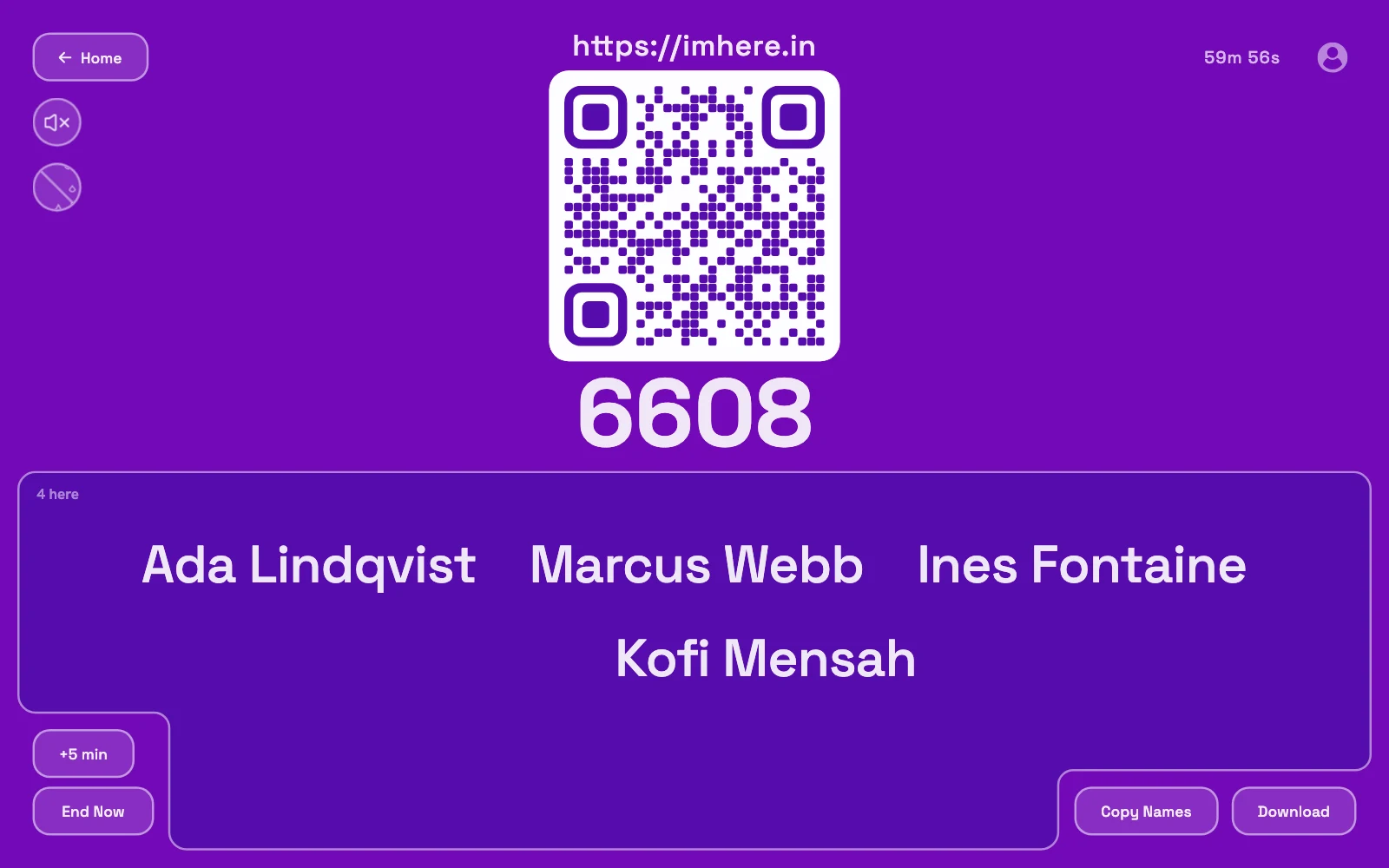
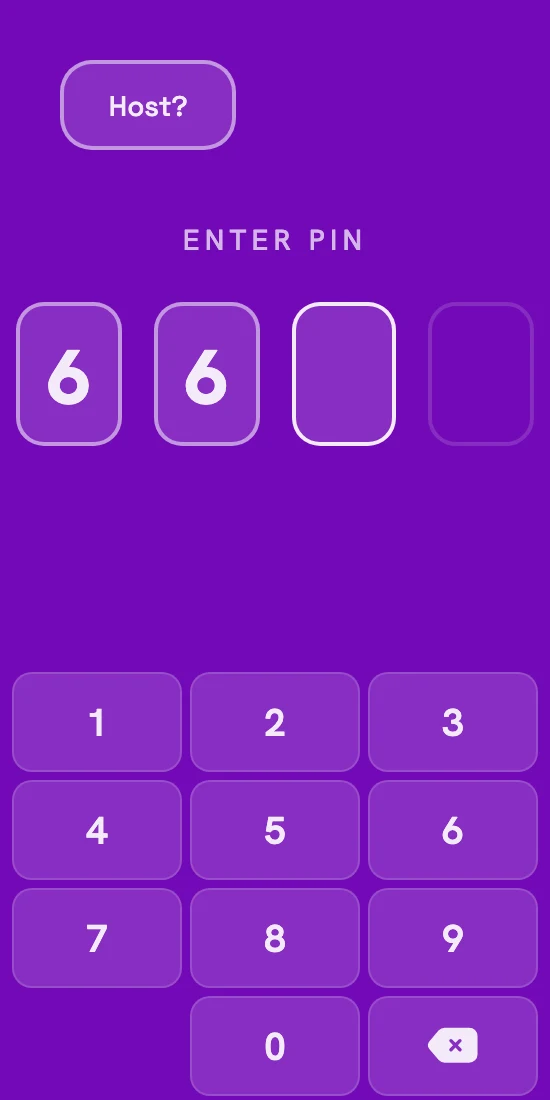
For a lecture hall, turn on Verify presence: a scan of the live board, plus location and network checks. Nobody gets locked out. A name that fails shows up flagged, and you decide what it means. One room holds up to 1,000 names, and you copy or download the list when you're done.
Students give a name, plus an answer if you ask a check-in question, and nothing else. It's stored on our server in the US, the live room deletes it when it closes, and the finished list goes to you, kept in your browser or encrypted in your account. No support contractors, call centers, ad networks or data brokers ever see it.
- Free for students
- No accounts
- No app
- Up to 1,000 per room
Keep the list: press Copy Names or Download before the timer runs out.
How each one checks you’re in the room
Top Hat checks each student's location, and its Bluetooth check needs the Top Hat app on every phone. UW-Madison's guide suggests leaving attendance open for two to three minutes while the checks finish.
Im Here! checks against your board instead. The QR code on the projector changes every few seconds, so a photo sent to the group chat stops working before anyone can use it. Location and same-network checks are optional extras, and checking in still takes seconds.
Nothing to install
Students check in from the browser already on their phone.
What it proves
The phone could see your board a moment ago. Someone holding a friend's phone in the room could still check them in, same as with Top Hat.
So which one?
If Top Hat runs your whole course, with polls, readings and grades, keep it. Attendance comes along with it.
Just know how the model works: unless your school pays for a license, it's free for you because your students pay. You pick the platform, and the people who never got a say get the bill, plus the price of any Top Hat textbook you assign.
If attendance is all you need from it, open a room instead. Nobody pays, and it's ready before they've found their seats.
Also compared: iClicker, Google Forms, the paper sign-in sheet