How it works
-
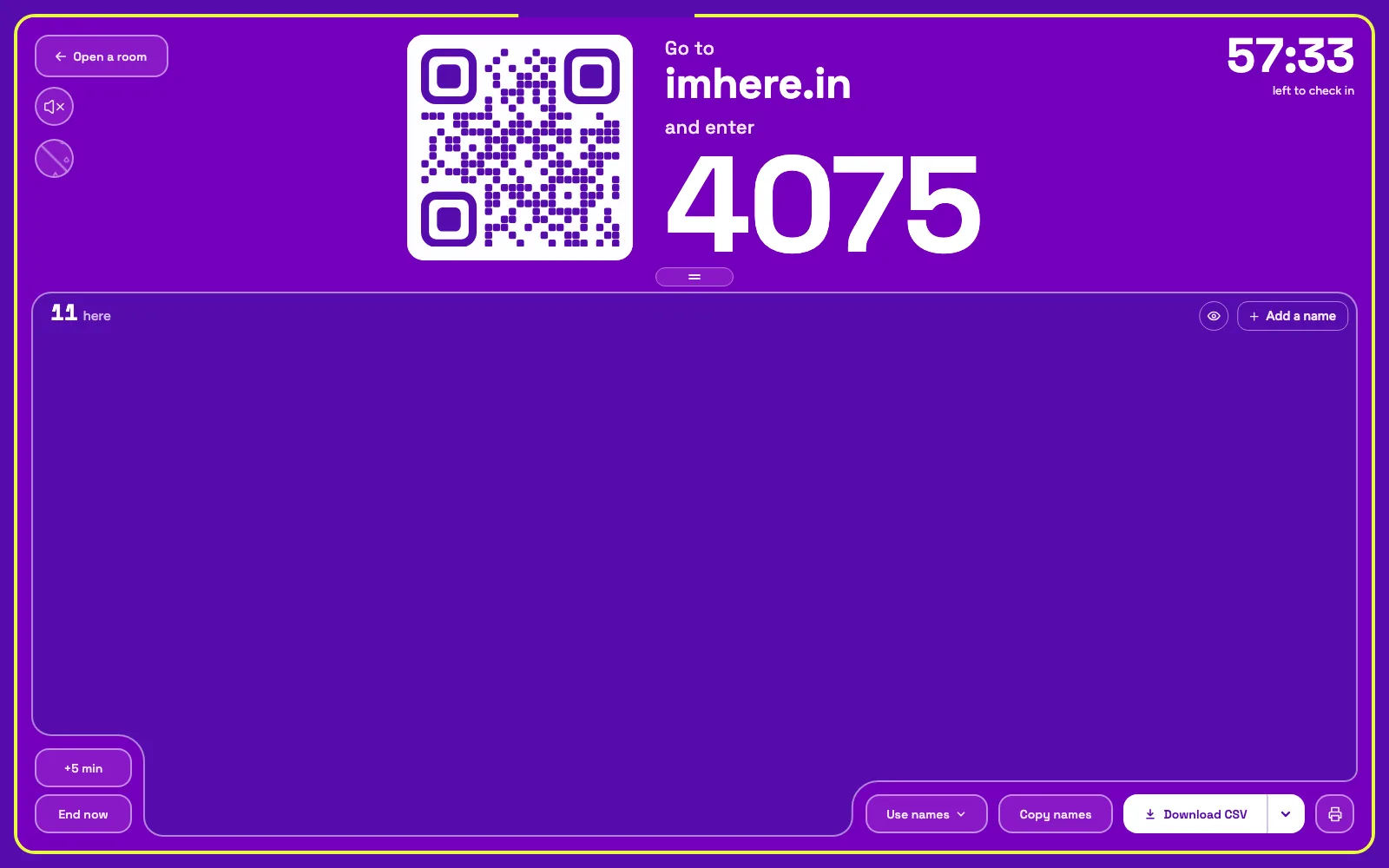
Open a room with a question. Add the check-in question “Email for your certification” as a written answer.
-
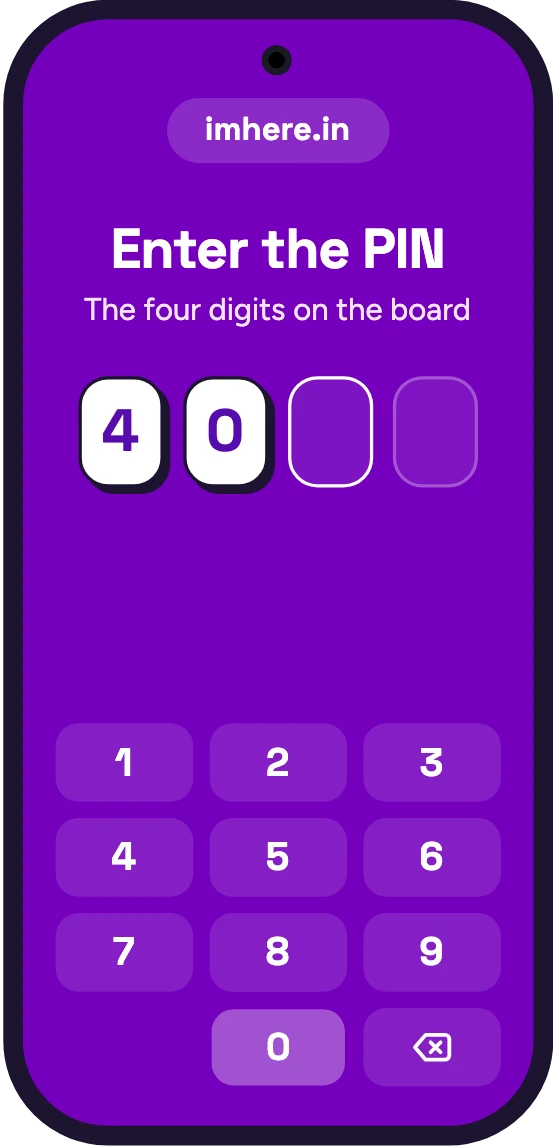
Put the QR code where people can see it. On the projector, a laptop by the door, or just the PIN on a whiteboard. People scan it with their camera, or type the PIN at imhere.in.
-
Everyone checks in. With their name, then their email. No app download and no account signup, and the whole class checks in at once.
-
Save the roster. Print it or save it as a PDF, or download it as a CSV with every name, check-in time and email, ready to fill in your training center’s roster from.
The roster you hand in
Im Here! gives you the list you work from when you enter the class into your training organization's system: names spelled by the people they belong to, a check-in time on each, and the email right next to every name.
Print it
Every name with its check-in time. Walk-ins you add by hand are marked as added, and the last line says how many names there are and when it was printed.
Download it
A CSV with names, check-in times and emails. It opens in Excel or Google Sheets, so you can copy the columns wherever they need to go.
Who was there for skills
Turn on Verify presence for the hands-on session, and anyone checking in from outside the room shows up flagged.
Nothing to install
People check in from their phone's browser. You can run the room from a laptop on the projector, or from your own phone.
Late arrivals: Leave the room open past the start, so late arrivals check in on their own with their real arrival time. Anyone later than that, add by hand: from the board while the room is open, or on its results page afterwards.
Collecting emails for cards
While setting up a room you can choose to ask a question at check-in. Make it a written question like “Email for your certification”, and every answer sits next to its name in the printout, the CSV and on the room’s results page. Answers don't show on the projected live room, so emails stay off the projector.
If you need more from each person than a name and one answer, like a phone number or a signature, here is a printable training sign-in sheet for the rest.
Spelling counts: Ask everyone to type their name exactly as it should appear on their card.
CPR class roster FAQ
- What if someone arrives late?
- If the room is still open, they check in like everyone else, and their time shows when they arrived. After it closes, add their name on the room's results page.
- What if someone doesn’t have a phone?
- Add their name by hand. It's marked as added by you, prints as added, and counts as verified. Ask for their email in person.
- Can I print a roster for signatures?
- The room's printout has names and check-in times, but no signature column. If your training center wants signatures, print a training sign-in sheet with a signature column and pass it around too.
- Is this an official AHA or Red Cross roster?
- No. Im Here! isn't affiliated with the American Heart Association, the American Red Cross, HSI or any other training organization, and it doesn't issue cards. It gives you a typed list to fill in their roster from.
- Do people need an app or an account?
- No. They scan the code with their phone camera, or type the PIN at imhere.in, and add their name. You don't need an account to host either.
- Is it free?
- Yes, including the check-in question, the printouts and Verify presence.
Also: training attendance, training sign-in sheet, QR code attendance