Common proxies, and what catches them
| Roll call or fixed QR | Im Here! with Verify | |
|---|---|---|
| Answering “present” for a friend | One more voice in a full hall. | There’s no roll call to answer, but someone could still check in a friend from a second phone or a private browser tab. A rough head count against the count on the board catches it. |
| Sharing a photo of the QR code on WhatsApp | A fixed code works from anywhere while it’s up. | The code keeps changing, so by the time a photo arrives it no longer works, and the board scan fails. |
| Marking attendance from home with the PIN | A form link works from anywhere while it’s open. | There’s no live code to scan, the phone is far from your room, and it’s on another network, so all three checks fail and the name is flagged. |
| Streaming the board on a video call | Not needed, a photo already works. | The board scan passes because it’s the live code. Location and network still fail unless they’re nearby. |
Every check has blind spots, so a failed check is a reason to take a closer look, not proof that someone was absent. That’s why a room can use all three.
The three checks
You choose which checks a room uses when you open it. Each one looks at something different, so they make up for each other’s blind spots.
-
Scanned the live board
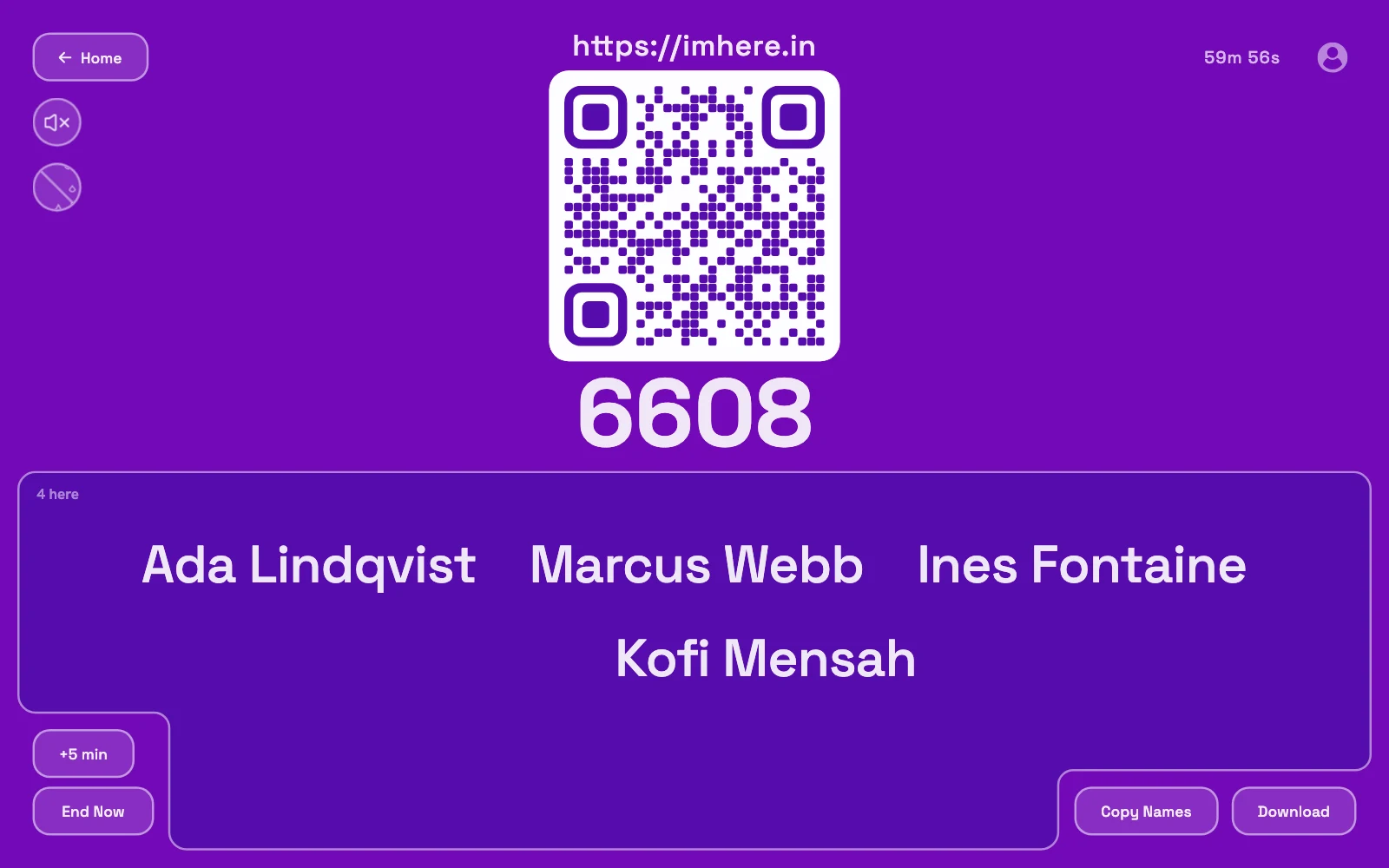
The QR code on your screen changes every three seconds. Each version is built from a secret that only your screen and our server know. People scan it to check in, or scan it after typing the PIN.
- Catches
- Photos and screenshots of the code, and a PIN passed around.
- Blind spots
- Someone in the room can share the live code on a call. People whose camera can’t read the code, because of glare or a back bench, fail it even though they’re there.
-
In the right place
Each phone’s location is compared with where you opened the room. The browser asks for permission first, and saying no doesn’t stop anyone from checking in.
- Catches
- Check-ins from home, another block, or across town.
- Blind spots
- Someone just outside the room or in a hostel close by, and apps that fake a location. Indoor GPS can drift, and a phone that won’t share its location counts as unchecked, not failed.
-
On the same network
Each phone’s internet connection is compared with your computer’s. Nobody gets asked anything.
- Catches
- Phones at home, or anywhere off the campus Wi-Fi.
- Blind spots
- People in the room on mobile data get flagged, and anyone elsewhere on the same Wi-Fi passes, including a hostel that shares it.
Flagged, not locked out
Nobody gets turned away. A phone that doesn’t pass still checks in, and the name shows up on your list dimmed and marked not verified. Tap it to see which checks failed and why.
The board also keeps a count of verified and not verified names, so you can see at a glance how many to look into.
You make the call
Someone on mobile data, or whose camera won't scan, might be sitting right in front of you. You can mark them verified yourself, or add a name by hand for someone without a phone. Names you add count as verified.
Every check is in the download
Download the room as a CSV and every name comes with its check-in time, the result of each check, the overall verdict, and anything you marked by hand. It opens in Excel or Google Sheets.
Lectures, labs and seminars
A full lecture hall checks in while you set up, instead of ten minutes of roll call. Keep each lecture’s CSV, or sign in to save every room to your account, and the record is there when the shortage list comes out.
The same works for workshops, seminars and company trainings, where the attendance list decides who gets a certificate. It tracks phones, not IDs, so if a certificate needs a signature or ID proof, use it alongside those.
Mobile data: Plenty of people in a lecture hall stay on mobile data, and they’ll fail the network check even while they’re sitting in front of you. If your campus Wi-Fi doesn’t reach every phone, use the board scan and location, and turn network off.
What it can’t stop
Verify presence is built to catch check-ins from people who aren’t there. It can’t tell who’s holding the phone, so a few things still get through:
- Someone in the room checking in a second name from another phone or a private browser tab. A rough head count against the count on the board catches it.
- A friend relaying the live code over a video call to someone close enough to pass location and network, like a nearby hostel.
- Apps that fake a phone’s location, although the board scan still needs the live code.
Two old habits cover most of the rest. Spin the name wheel on the board and ask whoever it lands on to stand up, the way you’d call out a random roll number. Or add a check-in question only people in the room can answer, like a word you say out loud when you open the room. Answers show on your screen, never on the board.
FAQ
- Can someone still mark attendance if a check fails?
- Yes. Nobody is turned away. Their name shows up dimmed and marked not verified, and you can mark them verified yourself, for instance when a phone's camera won't scan or it's on mobile data.
- Do people need to install an app?
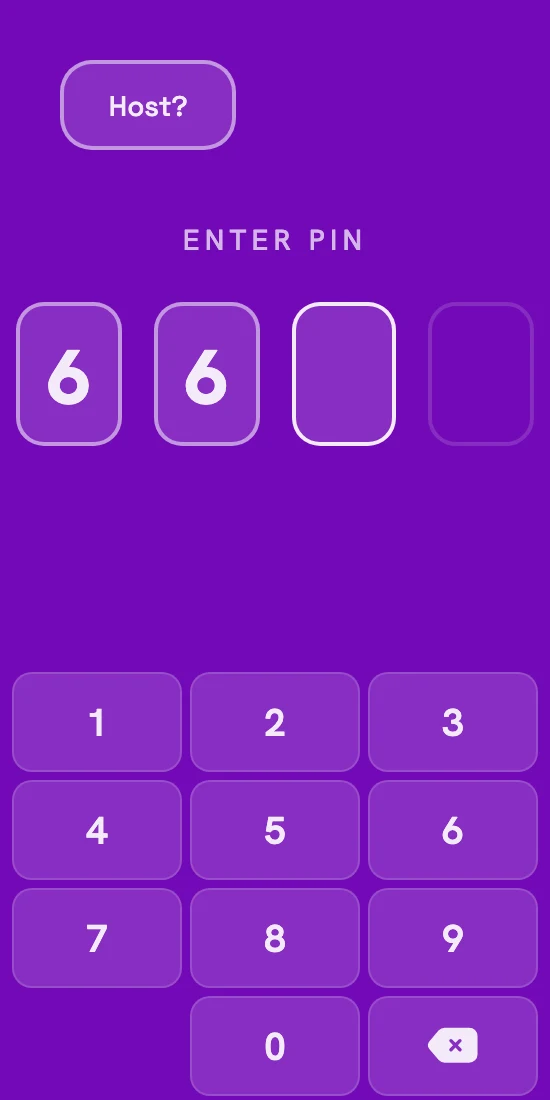
- No. They scan the code with the phone camera, or type the PIN at imhere.in, and add their name. It works in the phone's browser, and you don't need an account to host either.
- Does Im Here! store anyone’s location?
- No. A phone's location is compared once with where you opened the room, then thrown away. You only see the result, plus a rounded distance when it fails. The network check works the same way: the phone's IP address is compared, not kept.
- How many people can one room take?
- Up to 1,000, so a full lecture hall or an auditorium fits in one room.
- Can I collect roll numbers?
- Yes. Add a question when you open the room, like “Roll number?”, and each answer gets its own column when you download the list.
- Is it free?
- Yes, including Verify presence.
Also: QR code attendance, printable attendance sheets, Google Forms